🎀

Add Cozy Cute
to your Minecraft

~ cozy items, plushies & friends ~

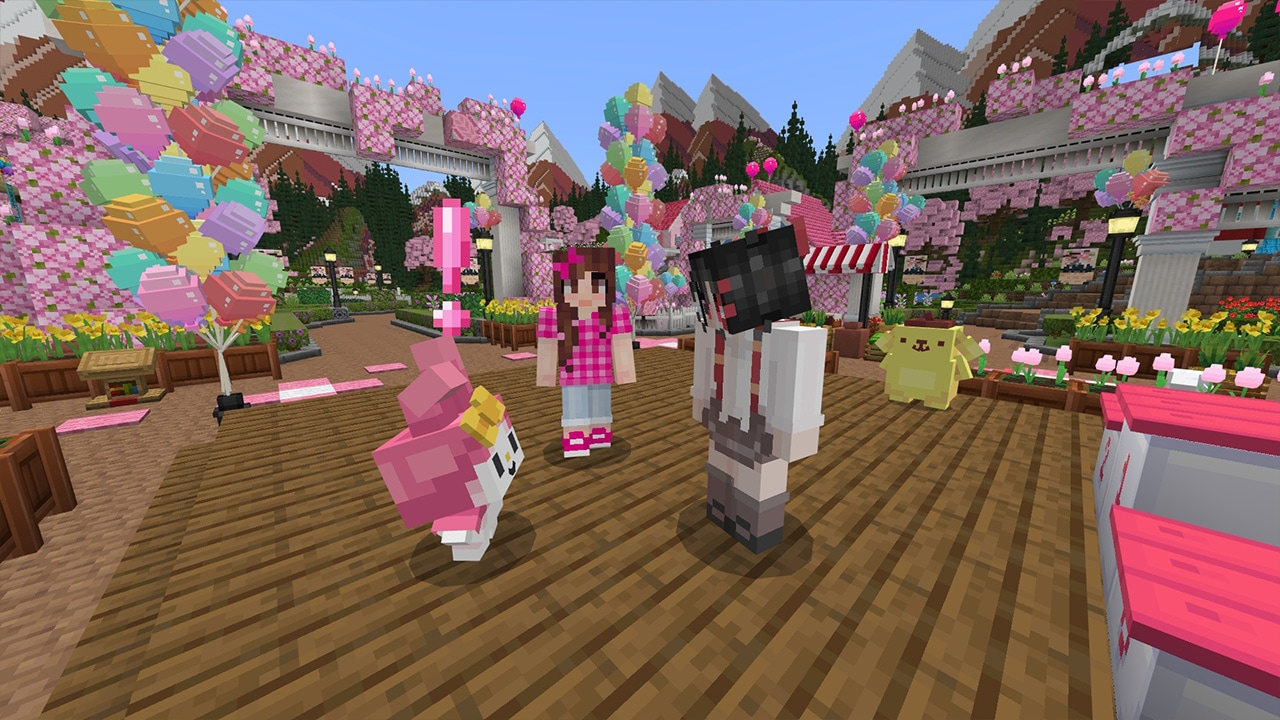
MineKitty brings 200+ adorable items to Minecraft Java Edition — plushies, furniture, cosmetics, and 6 new Aurora-inspired friends. Client-side only. Works on every server.

💖 Fabric 1.20.4 – 1.21.1 🎀 200+ items 🌸 Client-side only
200+Unique items
6Cute friends
12Decor packs
0Server installs

What's inside the pack

🧸

Plushies & Toys

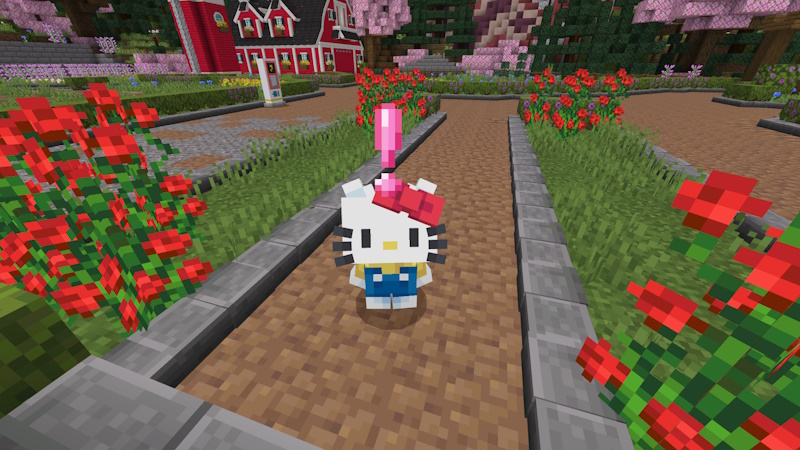
Cozy Cute, My Melody, Kuromi, Cinnamoroll, Pompompurin, and Keroppi — 30+ plushie variants to collect and place on shelves.

🛏️

Cozy Furniture

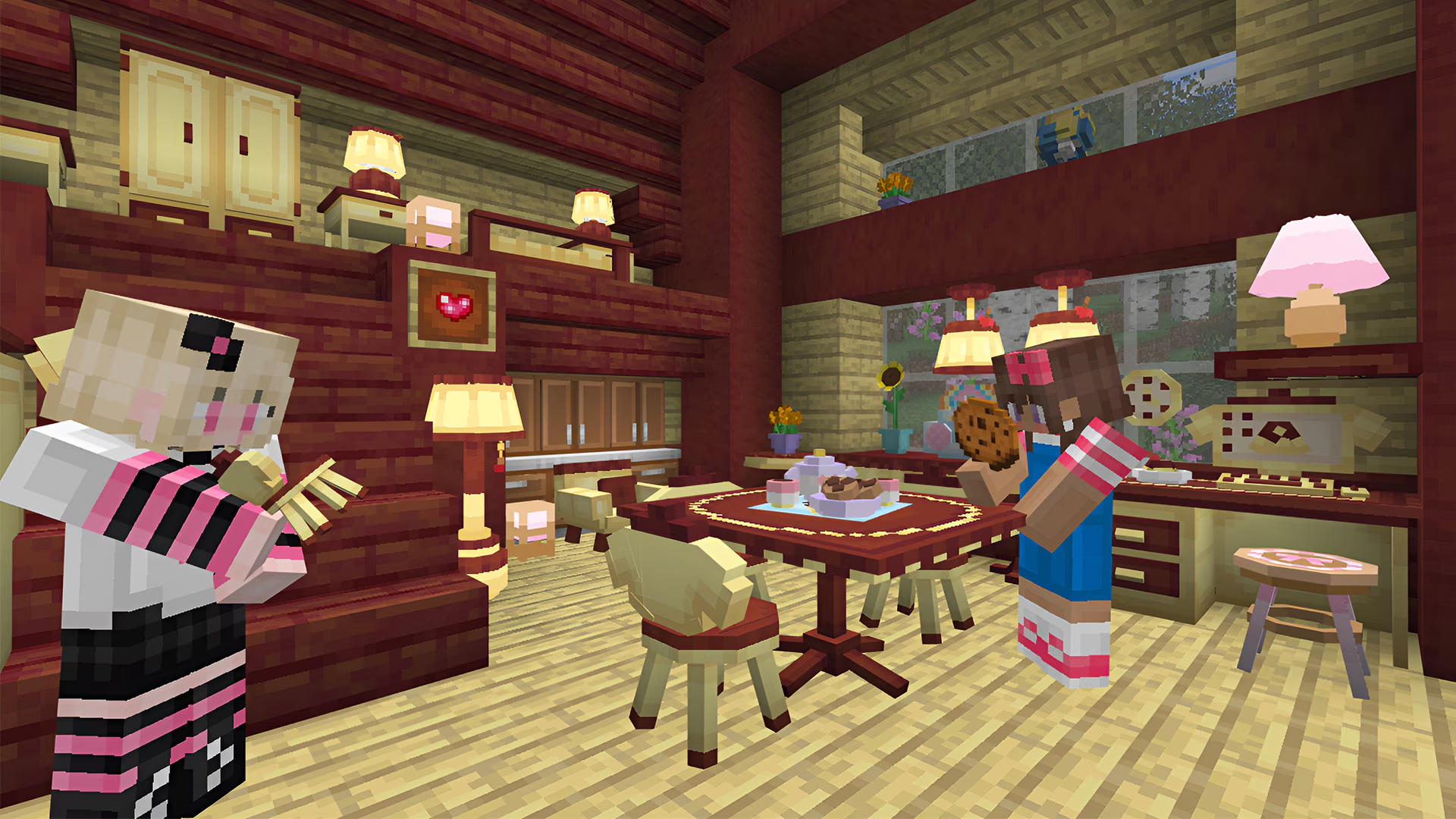
Pink beds, pastel lamps, cute tables, wallpaper, curtains, rugs, and lamps. Build the bedroom of your dreams.

👗

Cosmetics

Bows, hoodies, cat ears, backpacks — 50+ wearable accessories, all client-side so no server install is needed.

🐱

New Mobs

Six friendly companions that follow you, occasionally give gifts, and hop around when music plays. Fully tamable.

🌸

Particles & Effects

Heart trails, sparkle footsteps, kiss emotes. Press V in-game for the emote wheel.

🎂

Food & Recipes

Cute cake, strawberry milk, macarons, mochi — 40+ decorative food items and 15 new crafting recipes.
How to install

⚠️
Requirements — read before installing
MineKitty is a Fabric mod. It only loads if you have Fabric installed.
🧵
Fabric Loader 0.15+
Required. Download from fabricmc.net and run the installer once.
🟩
Minecraft 1.20.4 – 1.21.1
Java Edition only. Bedrock and older versions are not supported.
Java 17 or newer
Preinstalled if you already play Minecraft 1.18+. Nothing to do.
🔓
Antivirus allowlist
Some AVs flag modpack jars. Add an exception for the mods folder.
Not sure if you have Fabric? Launch Minecraft — if the launcher shows a fabric-loader-1.21.1 profile, you're set. If not, grab it from fabricmc.net/use/installer and run the installer once.

Download

Click Download Free above. You'll get a zip with the mod jar and a readme. Extract both files anywhere.

Install Fabric first

If you don't already have Fabric, download the installer from fabricmc.net and run it once. Choose Minecraft 1.21.1 when prompted. This only takes a minute.

Drop in mods & launch

Press Win+R, type %appdata%\.minecraft\mods and hit Enter. Drag the jar in. Launch Minecraft with the fabric-loader-1.21.1 profile — MineKitty loads automatically.

Frequently asked

Will this get me banned on servers?

No. MineKitty is entirely client-side and doesn't send any custom packets. It works on Hypixel, Mineplex, and every vanilla-compatible server.

My antivirus flagged the .jar file. Is it safe?

Common false positive. Modpack jars hook into the JVM which trips heuristic scanners. You can safely whitelist the folder and re-launch. If you want peace of mind, upload it to VirusTotal — it's clean.

Does it work with OptiFine or shaders?

Yes. MineKitty is compatible with OptiFine, Iris, Sodium, and every popular rendering mod. Just install both as normal.

What Minecraft versions does it support?

Built for 1.21.1. Works on 1.20.4+ with limited features (new blocks only, no cosmetics). Fabric loader 0.14 or newer.

Do I need Fabric installed?

Yes. MineKitty is a Fabric mod and will not load without Fabric. Download the Fabric installer from fabricmc.net/use/installer, run it once, and choose Minecraft 1.21.1. If you already see a fabric-loader profile in your Minecraft launcher, you're set — just drop the jar into your mods folder.

Can my friends see the cosmetics I wear?

Only if they have MineKitty installed too. On a server without MineKitty, your friends see the base vanilla items — the cosmetics are rendered locally only.

Ready to get cozy? 🎀

Download MineKitty and turn your world into the cutest place on Minecraft.

Download MineKitty v1.0.0